
Why an exclusive community matters
Independent educators face the same recurring challenges: too many platforms to manage, endless admin tasks, and a tendency to feel isolated. Peer support, practical advice, and a place to bounce ideas off colleagues are the missing pieces most teachers, tutors, mentors, and coaches need to grow sustainably.
The SuperTeacher Community was built to solve that gap. It is an educator-only space focused on two-way conversations, actionable support, and streamlined help—without the noise of public social groups or student-led forums.
Quick tour: where to find the community and how to join
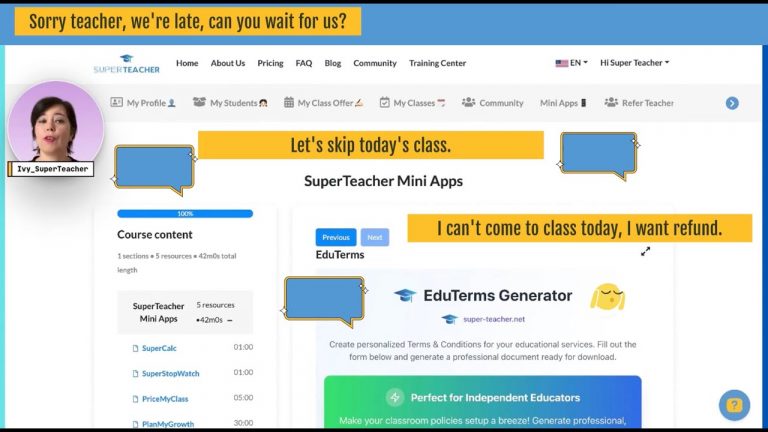
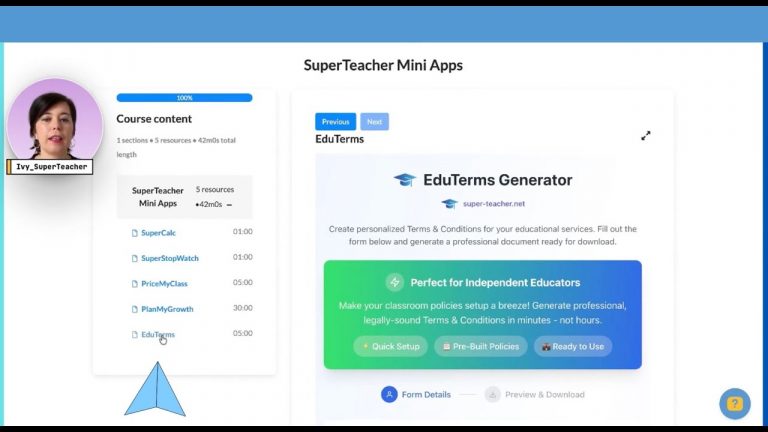
Access is simple: log into your SuperTeacher dashboard and look for the new Community button between My Classes and Mini Apps.
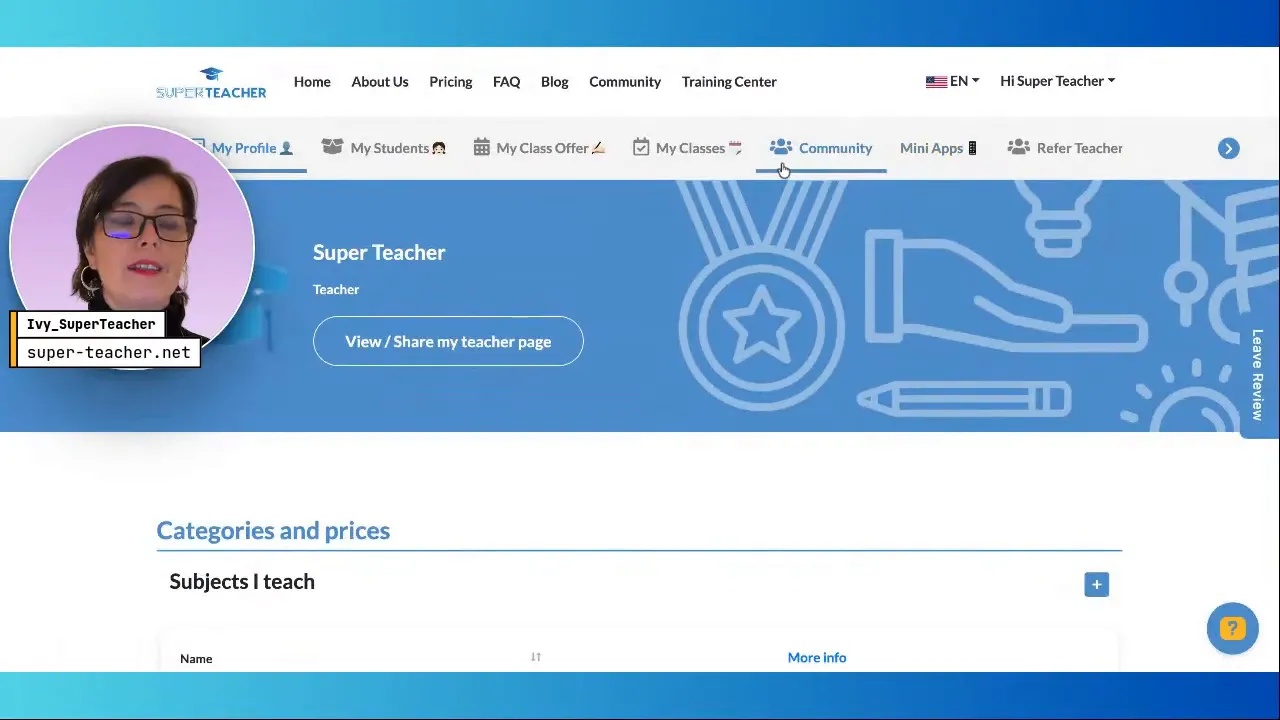
Click the button, create a profile with your teacher name and email, verify your account, and you’re in. The setup is intentionally straightforward to avoid any learning curve.

What the community looks like
The homepage centers on a community feed where posts, discussions, polls, events, and course announcements appear in one place. Everything is searchable and organized by labels so topics stay discoverable and tidy.

The right-hand sidebar provides quick actions like saying hello, starting a discussion, asking for support, sharing a win, and joining events.
Core features and how to use them
1. Discussions
Discussions are categorized for easy browsing-SuperTeacher support, edtech tools, lesson ideas, marketing, and more. Create a labeled discussion and others will be able to filter and respond.
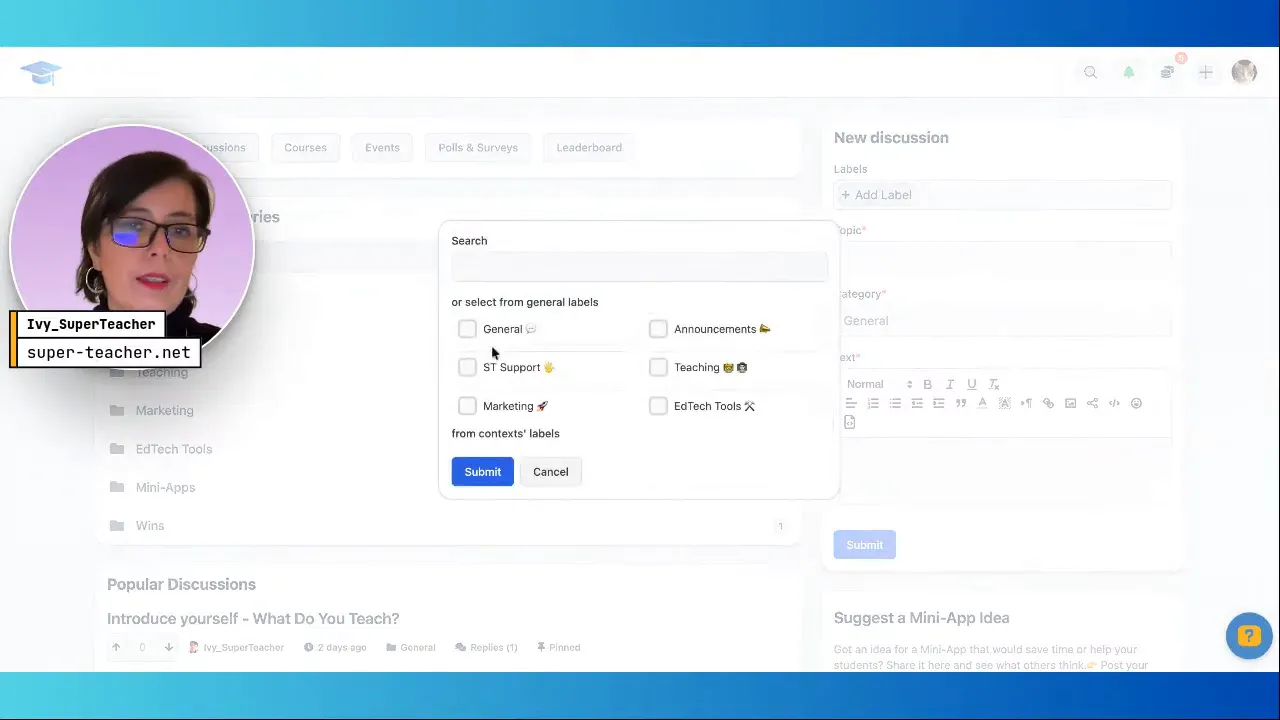
Example use: post a quick how-to on integrating a virtual classroom link, attach a short guide, and invite others to troubleshoot or add alternatives.
2. Posts, Polls, and Quick Wins
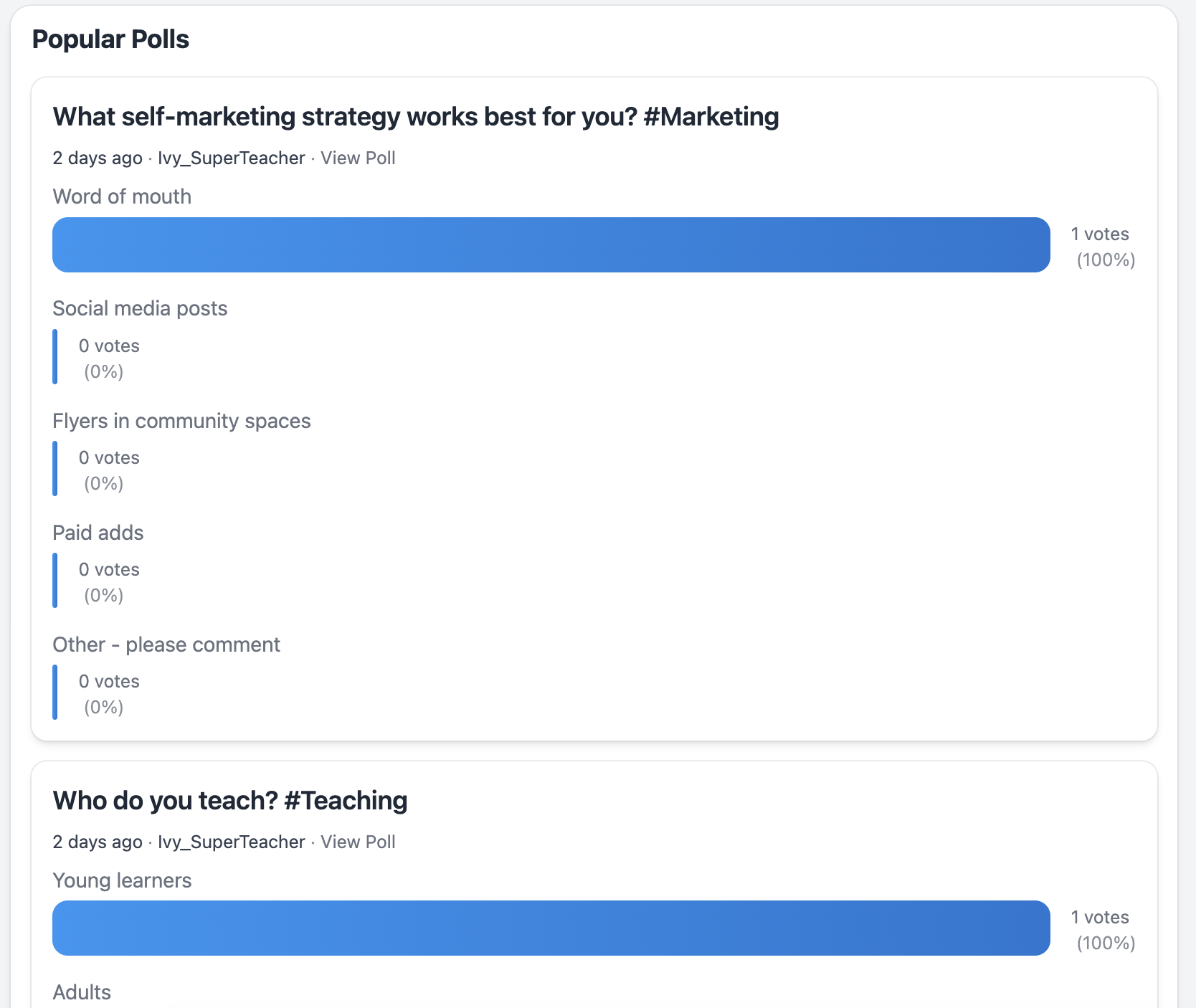
Share announcements, ask for feedback, or run a poll to crowdsource opinions. Posting earns points and keeps the conversation dynamic.
Poll ideas: favorite self-marketing strategy, best platforms for group classes, or which lesson formats work for mixed-level groups.
3. Events, Courses, and Resource Library
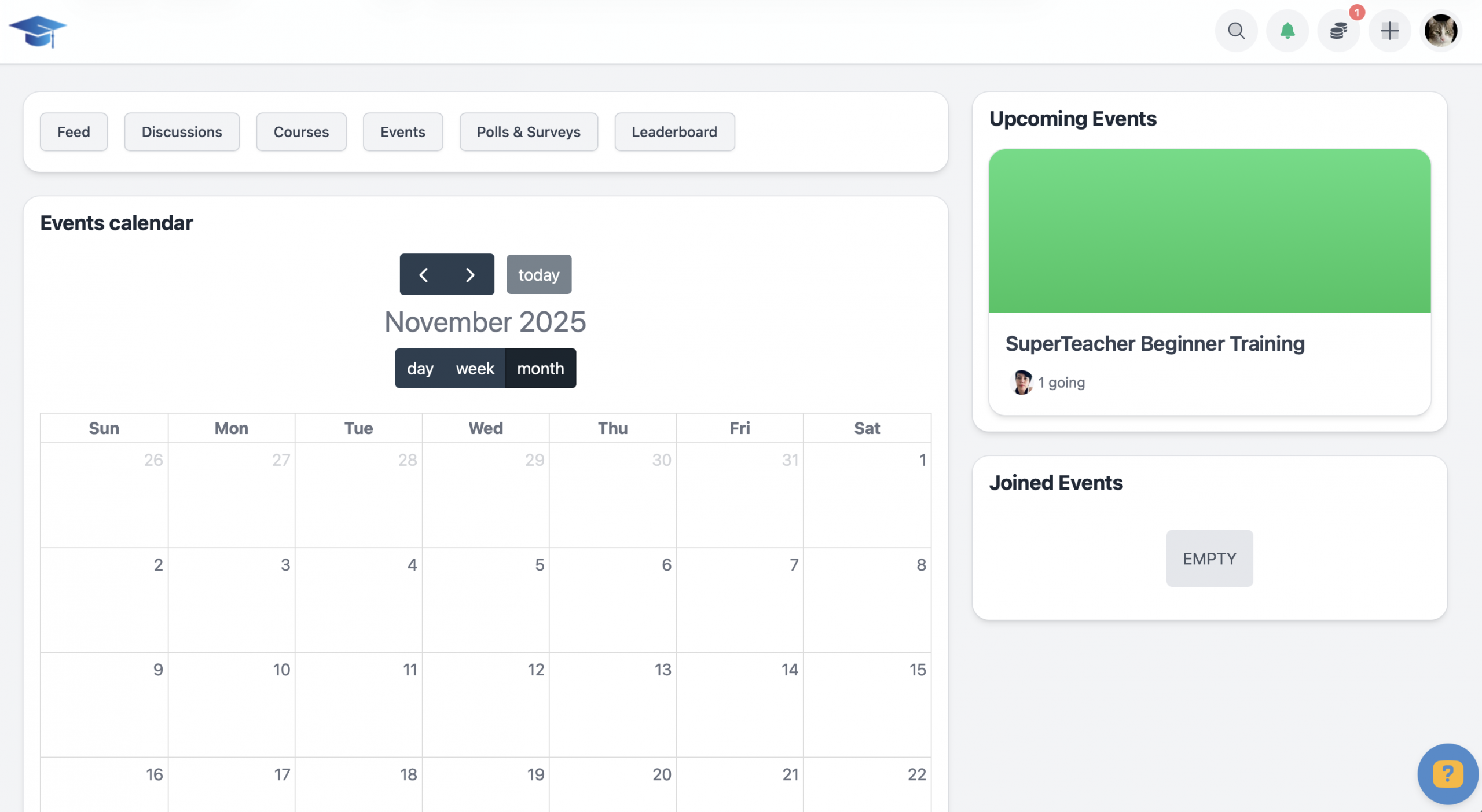
A calendar lists upcoming trainings, workshops, and live sessions. Eventually a resource library and mini-courses will house recordings, templates, and past newsletters.
4. Leaderboard and gamified engagement
A point system rewards participation-posting, creating discussions, joining events-all add up on the leaderboard. It’s a light, friendly way to encourage activity and recognize contributors.

5. Invite and grow the network
Invite colleagues via email or share a unique invitation link. The space is curated for educators going independent or already running their own teaching business.
Profile and notification settings
Add a profile photo and short intro to make it more fun. Notifications are on by default, but you can control them: keep on-site alerts and disable email if those become noisy.
Tip: leaving on-site notifications active ensures you see replies and mentions without filling your inbox.
How this community supports your day-to-day
Streamlined support: Instead of emailing help requests that only reach a few people, post in a public discussion so responses help everyone.
Peer-to-peer learning: Swap lesson ideas, share tech hacks, and ask quick operational questions like pricing or class structures.
Practical focus: The community emphasizes actionable advice over theory-real templates, set-up guides, and tested classroom tips.
Suggested ways to participate
- Introduce yourself in the “Say Hi” thread and share what you teach.
- Post one win each week to inspire others and attract collaborators.
- Create discussions for topics you want feedback on, label them clearly, and link any short how-to resources.
- Run polls to quickly gauge peer preferences and insights before launching a new class format or pricing change.
- Bookmark the Events calendar and join live trainings to build skills and meet other members. 🚀
Community principles
The space is moderated and exclusive. It is designed to be:
- Educator-only- no noise.
- Safe and constructive-no spam, no silent self-promotion.
- Collaborative-designed for teachers supporting teachers.
Final notes and next steps
This community will evolve with more content: deeper discussions, a growing resource library around independent educators business, and mini-courses. Start by setting up your profile, joining a few discussions, and inviting a colleague who would benefit from peer support.
“If you want to go quickly, go alone. If you want to go far, go together.”
Join, contribute, and use the community as your go-to place for practical, day-to-day support in your independent teaching journey.
Sign up with SuperTeacher |
|
Register for free, pick the right plan later |
| Sign up |